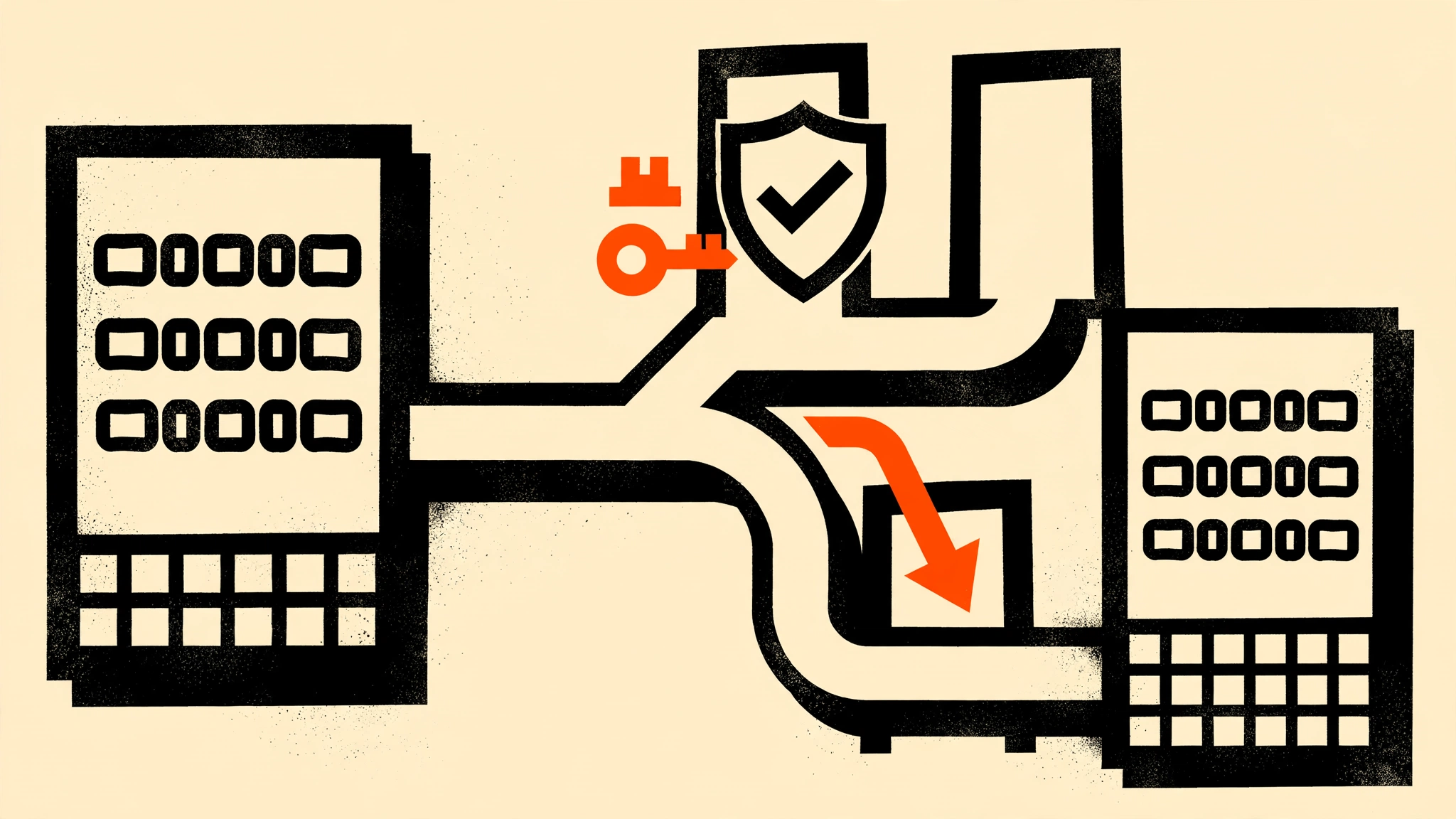
You upgraded your self-hosted n8n to 2.29.x, went to reconnect the ChatGPT remote MCP connector, and got slapped with this:
{"error":"invalid_target","error_description":"Invalid resource indicator"}No retry helps, no settings on the ChatGPT side change anything, and — infuriatingly — everything works fine on the older n8n copy sitting on the same network. I hit this exact wall on a split-hostname setup (UI on n8n.example.com, MCP on n8n-mcp.example.com), and the community thread that cracked it ended with the n8n team’s own engineer shipping a dedicated fix. By the end of this article you’ll know exactly why the error happens and have it fixed with a single environment variable.
Quick definitions so we’re on the same page: MCP (Model Context Protocol) is Anthropic’s open standard that lets AI models like ChatGPT and Claude call external tools over HTTP. RFC 8707 is the OAuth extension for “resource indicators” — the client tells the server which URL it wants the token for, and the server binds the token to that URL. When the two disagree, you get invalid_target.
The symptom
Reconnecting any remote MCP client — ChatGPT/OpenAI, Claude, or a custom MCP client — to a self-hosted n8n instance running 2.29.7 fails during OAuth re-authentication. The OAuth consent screen may appear, but the token exchange dies with {"error":"invalid_target","error_description":"Invalid resource indicator"}. The request reaches n8n (it’s not your firewall or Cloudflare blocking it), local MCP access still works, and rolling back to an earlier n8n version makes the same remote clients work again.
This specific error only appears in setups where the MCP server is served on a different hostname than n8n’s main base URL — for example a dedicated n8n-mcp.example.com fronting the same backend while the editor UI lives at n8n.example.com.
The root cause
n8n 2.29.7 introduced stricter RFC 8707 validation for MCP OAuth as a security hardening: access tokens are now audience-bound to the MCP resource URL. During the authorize request, ChatGPT sends a resource parameter containing the MCP server URL it thinks it’s connecting to — say, https://n8n-mcp.example.com. n8n compares that value against its canonical resource URL, which it derives from N8N_EDITOR_BASE_URL (falling back to WEBHOOK_URL) — say, https://n8n.example.com. The comparison is exact: scheme, host, and trailing slashes all matter.
The two hostnames don’t match, so n8n rejects the request with invalid_target. Nothing in your OAuth client config, ChatGPT connector settings, or reverse proxy is wrong — the validation itself got stricter than your (perfectly legitimate) split-hostname topology.
Why do people split the hostnames in the first place? Because the trust boundaries are different. The main UI hostname sits behind Cloudflare Zero Trust or a VPN — a human can click through that, but ChatGPT’s OAuth flow can’t. So you expose a narrow MCP-only door (/mcp-server, /mcp-oauth, /.well-known, /oauth/consent) on a separate public hostname with a WAF path allowlist. It’s a sensible design; 2.29.7 just didn’t know about it.
Prerequisites
- Self-hosted n8n running version 2.29.x with the split-hostname setup described above (MCP on a different hostname than
N8N_EDITOR_BASE_URL). - Terminal access to wherever n8n runs (Docker Compose, systemd, or Proxmox LXC).
- Ability to upgrade n8n to 2.31.0 or later — the official fix landed there. (As of October 2026, that’s the current stable path; check n8n’s releases for what’s current.)
Example terminology
<mcp-host>— the hostname your MCP clients connect to, e.g.n8n-mcp.example.com<main-host>— the hostname of your n8n editor UI, e.g.n8n.example.com
Step 1 - Upgrade to n8n 2.31.0 or later
The fix lives in n8n PR 34028, which shipped in [email protected]. Versions before that have no knob for this — upgrading is required, not optional.
For Docker Compose, bump the image tag in docker-compose.yml:
services:
  n8n:
    image: n8nio/n8n:2.31.0   # or a later stable tag
Then pull and restart:
docker compose pull n8n && docker compose up -d n8nYou should see the container recreate and n8n come back up in the logs. If you pinned :latest you’d already have it, but do not upgrade blindly in production — snapshot your database (SQLite file or Postgres dump) before any version jump. n8n’s own team confirms there’s no reverting this particular security hardening, so there’s no way to “go back” to the lax validation even if you wanted to.
Step 2 - Set N8N_MCP_BASE_URL to your MCP hostname
This is the actual fix. Add the new environment variable to your n8n configuration, pointing it at the exact public URL your MCP clients use:
services:
  n8n:
    environment:
      - N8N_EDITOR_BASE_URL=https://<main-host>
      - WEBHOOK_URL=https://<main-host>
      - N8N_MCP_BASE_URL=https://<mcp-host>
Note: for a non-Docker install (systemd on Proxmox/Debian), export the variable in your n8n service environment or
.envfile and restart the service:sudo systemctl restart n8n.
Here’s what each variable does, so nothing is a mystery:
N8N_EDITOR_BASE_URL— stays pointed at your main UI hostname. It controls the editor, webhooks, and generated URLs for workflows. Don’t touch it; the whole point of the fix is that it no longer needs to match the MCP hostname.WEBHOOK_URL— same, stays on the main hostname.N8N_MCP_BASE_URL— the new one. When set, n8n treats this hostname as the canonical public URL of the MCP server. It’s what gets advertised in OAuth discovery documents, it’s what the RFC 8707 resource-indicator check validates against, and it’s what tokens get audience-bound to. Clients connecting through the main hostname keep working too.
Restart n8n so the variable takes effect, then continue.
Step 3 - Verify the fix with the protected-resource document
Before you touch ChatGPT, prove the server side is right. The OAuth discovery document must now advertise your MCP hostname, character for character:
curl -s https://<mcp-host>/.well-known/oauth-protected-resource | python3 -m json.toolYou should see a resource field equal to exactly https://<mcp-host> — no trailing slash, correct scheme (https), correct hostname. If it still shows the main hostname, the container didn’t pick up the variable: check for a typo, check that you restarted, and check that your reverse proxy (Cloudflare Tunnel, nginx) is actually routing <mcp-host> to this n8n instance and not a stale copy.
Step 4 - Reconnect the ChatGPT connector
Now retry the connection from ChatGPT (Settings → Developer / Connectors → your n8n connector → Reconnect). The authorize flow should complete this time, and the token n8n issues will be audience-bound to https://<mcp-host> — matching exactly what ChatGPT asked for. Test a tool call or two; remote MCP reads should work again. Do the same for the Claude connector if you use one.
Step 5 - Lock down the MCP hostname properly
The fix makes your split-hostname design work again — now make sure that design is actually tight, because the MCP hostname is public by definition:
- WAF path allowlist on
<mcp-host>(Cloudflare example): allow only/mcp-server,/mcp-oauth,/.well-known,/oauth/consent, and the minimal n8n frontend/static paths needed for the OAuth consent flow. Default-deny everything else, including the editor UI paths and workflow API endpoints. - Keep Cloudflare Zero Trust / Access on
<main-host>— the editor should never be publicly reachable. - Don’t set
N8N_MCP_BASE_URLto the main hostname “just to make it simple” — that collapses the two trust boundaries into one public door, which is exactly what the split was protecting against.
FAQ
I get invalid_target but my MCP and UI share one hostname. Is this the same bug?
No — this is a different failure of the same check. With a single hostname, invalid_target almost always means a trailing slash or scheme mismatch: https://n8n.example.com/ (trailing slash) vs https://n8n.example.com. Check the resource value in your /.well-known/oauth-protected-resource output and make the client request match it character for character, or check that your reverse proxy isn’t rewriting the scheme from https to http.
I’m stuck on a version before 2.31.0. Any workaround?
Yes, but it’s a blunt one: temporarily point N8N_EDITOR_BASE_URL (and WEBHOOK_URL) at the MCP hostname so the canonical URL matches what the clients send. This proves the diagnosis, but for production it erases your trust-boundary separation — the editor URL becomes the MCP hostname everywhere. Treat it as a diagnostic step, then upgrade and use N8N_MCP_BASE_URL.
Does this affect n8n Cloud?
No. n8n Cloud serves everything on one canonical hostname, so the RFC 8707 check passes naturally. This is strictly a self-hosted problem with split-hostname topologies.
Will downgrading “fix” it?
Technically yes — the stricter check didn’t exist before 2.29.7. Practically no: it’s a security hardening (token audience binding), and n8n’s team has said reverting isn’t on the table. The supported fix is 2.31.0+ with N8N_MCP_BASE_URL.
Limits and what I didn’t test
I verified this fix path from the official n8n forum thread (the reporter’s diagnosis was confirmed by the n8n engineer who shipped PR 34028), not from a live reproduce-and-fix cycle — if you have a split-hostname setup on an older 2.29.x, the pre-upgrade state I describe comes from that thread. I haven’t tested the fix behind an AWS API Gateway or a Cloudflare Access split setup beyond what the thread’s second reporter confirmed in theory. Queue mode shouldn’t matter (this is auth-time validation, not execution), but I only have evidence for the default single-main-process mode.
Key Takeaways
invalid_targeton n8n 2.29.7+ means the RFC 8707resourceparameter didn’t exactly match n8n’s canonical URL — check hostnames before anything else.- The official fix is
N8N_MCP_BASE_URL=https://<mcp-host>, available in n8n 2.31.0+ (PR 34028) — one env var, no changes to the editor or webhook URLs. - Verify with
curl https://<mcp-host>/.well-known/oauth-protected-resource— theresourcefield must match the MCP hostname character for character (scheme, host, no stray trailing slash). - Don’t collapse your trust boundaries to fix this — keep the UI behind Zero Trust/Access and WAF-allowlist only the MCP/OAuth paths on the MCP hostname.
If the fix worked for you, check your n8n queue-mode worker setup next — the OOM guide at /blog/fix-n8n-oom-crash-docker-compose/ covers the crash that tends to follow a busy MCP deployment.