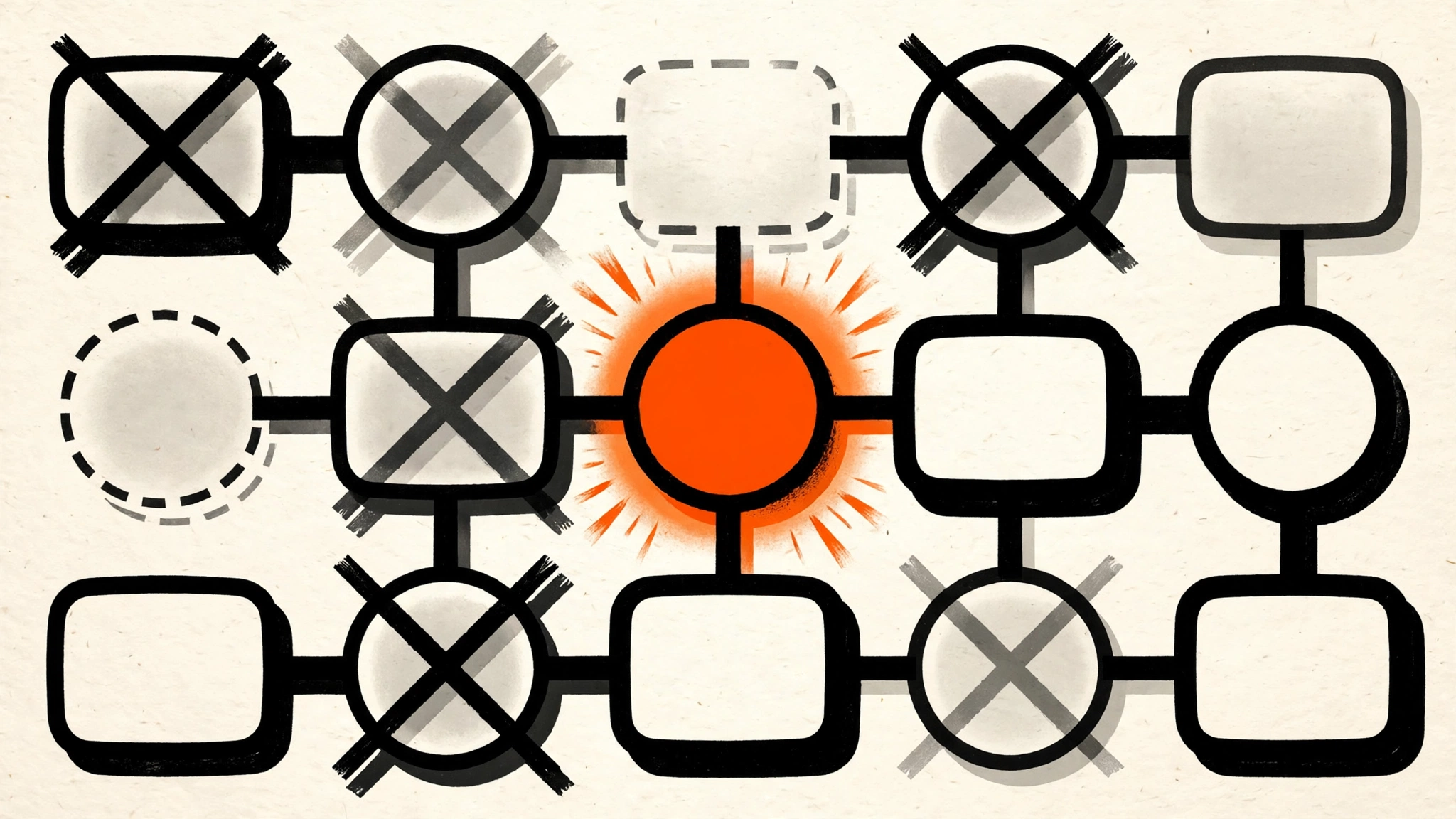
n8n 3.0 is scheduled for October 2026, and the official breaking-changes page says it plainly: n8n is deleting older nodes that newer patterns have replaced. Not deprecating — deleting. Workflows that use a removed node fail. That is the entire story, and it is a big one: the kill list runs to more than 20 node names across code, scheduling, files, chat, memory, document loading, and vector stores, plus the whole first generation of the AI Agent node.
The scale is real. We audited 31 of our own published n8n templates against the official removal list this week: 9 of them need fixes before 3.0 — eight still call the legacy OpenAI node, one uses the dead HTML Extract node. If our battle-tested templates have this hit rate, your production workflows probably do too.
This guide gives you the full kill list, the replacement for every entry, and a five-step migration checklist. By the end, your instance will have zero references to any removed node, and you will know exactly where to look if a workflow misbehaves after the upgrade.
Step 1 - Back up everything before you touch a node
n8n’s Migration Report (Step 2) only reads your workflows — it cannot undo your edits. So back up first.
- Export your critical workflows: select them in the dashboard, Download as JSON. Store the files outside the n8n container, not inside a mounted volume you are about to rebuild.
- If you self-host, back up the database and the data directory. For a Docker setup that means the Postgres volume (or the SQLite file) and the
storagevolume where files live.
Note: 3.0 renames the binary data folder from
binaryDatatostorage. If your backups or scripts reference the old path, update them at the same time — a backup that restores to the wrong folder is just disk usage.
Step 2 - Run n8n’s own Migration Report
n8n built you a scanner for exactly this release. Open your instance, go to Settings > Migration Report. It lists the workflows on your instance that use removed nodes or depend on changed behavior, so you audit your reality instead of the full kill list.
Run it, export the result if your version allows, and sort by business impact: the workflow that charges customers or pages your on-call goes first. Everything in Steps 3–5 is then applied to that sorted list, not alphabetically.
 Your 3.0 upgrade deserves the same discipline as a data center migration: inventory, backup, rehearse, then switch.
Step 3 - Work through the kill list
Here is every removal from the official 3.0 breaking-changes page (as of October 9, 2026), with what replaces it. Work the table top to bottom on the workflows your Migration Report flagged.
Code and data-shaping nodes
| Removed | Replacement |
|---|---|
| Function (legacy) | Code node — rewrite the JavaScript/Pyodide logic there |
| Function Item (legacy) | Code node |
| Item Lists (legacy) | Split Out, Aggregate, Sort, or Limit — pick the operation you were actually using |
| LangChain Code (legacy) | Code node |
Scheduling
| Removed | Replacement |
|---|---|
| Cron and Interval | Schedule Trigger — one node now covers both patterns |
Files and documents
| Removed | Replacement |
|---|---|
| HTML Extract | Extract from File (or the HTML node’s Extract HTML Content operation) |
| Convert to/from binary data | Extract from File / Convert to File |
| Read Binary File, Read Binary Files, Write Binary File | Read/Write Files from Disk |
| Read PDF | Extract from File |
| iCalendar | No direct drop-in — rebuild the calendar logic, most commonly with Schedule Trigger plus an HTTP or CalDAV call |
Workflow plumbing
| Removed | Replacement |
|---|---|
| Workflow Trigger | n8n Trigger (Execute Workflow Trigger) |
| Orbit | No replacement — the service integration is gone; rebuild with HTTP Request or delete the workflow |
OpenAI nodes
| Removed | Replacement |
|---|---|
| OpenAI (legacy, non-AI section) | The current OpenAI node in the AI section |
| OpenAI Assistant | The current OpenAI node (assistant resource) |
| OpenAI Model | The current OpenAI node (model resource) |
This is the most common hit in real-world audits — it was 8 of our 9 affected templates. If your workflow JSON contains "type": "n8n-nodes-base.openAi", that is the legacy node.
Agents, chat, and tools
| Removed | Replacement |
|---|---|
| AI Agent node v1 — the SQL, Conversational, OpenAI Functions, Plan-and-Execute, and ReAct modes | Rebuild the agent on the current AI Agent node; the old modes do not exist anymore |
| HTTP Request Tool (legacy) | HTTP Request node used as a tool |
| SerpApi (Google Search) | No built-in replacement — use HTTP Request or another search provider |
| Manual Chat Trigger | Chat Trigger |
| Chat Messages Retriever | Window buffer memory or delete if unused |
Memory and retrieval (the LangChain-era leftovers)
| Removed | Replacement |
|---|---|
| Motorhead and Zep memory | Window Buffer Memory, or Postgres/Redis Chat Memory for persistence |
| Binary Input Loader, JSON Input Loader, GitHub Document Loader | Default Data Loader |
| In Memory Vector Store Insert/Load, Pinecone Insert/Load, Supabase Insert/Load, Zep Vector Store family | The current vector store nodes — Insert Documents / Retrieve Documents tools |
Two special cases deserve their own callouts. AI Transform is not deleted outright: n8n automatically converts existing AI Transform nodes to Code nodes during the upgrade, keeping the generated JavaScript — but you can never add a new one, so write JavaScript in Code directly from now on. And helpers: $getPairedItem() is removed (use the current item-pairing syntax), and the Execute Sub-workflow node’s Local File and URL sources are removed.
Warning: Do not fix these by text-editing the workflow JSON by hand unless you know the exact node type strings. Change the node in the editor, test it, then move on. JSON surgery is how you introduce a typo that only surfaces at 3 AM.
 The Migration Report gives you the list. The judgment call — rewrite, replace, or retire each workflow — is still yours.
Step 4 - Catch the silent breakers
Removed nodes are the loud failures. 3.0 also ships behavior changes that break workflows silently, and the Migration Report may or may not catch all of them. Check these on the same pass:
- Docker or nothing. Self-hosted n8n no longer supports npm/npx installs in 3.0 — Docker is required. If your instance still runs on npm, migrate first. We published a full npm-to-Docker migration guide for exactly this.
- Task-runner timeout drops from 5 minutes to 1 minute. Any Code node that chews on a large file for 90 seconds will now simply fail. Find your long-running Code nodes and either optimize them or split the work.
binaryDatabecomesstorage. Update volume mounts, scripts, and any node configuration referencing the old folder name.- Gmail Trigger below v1.4 is forced to 1.4 behavior — drafts are skipped, and sent/scheduled messages no longer trigger. Our audit flagged a Gmail Trigger v1.2 in one template for exactly this reason.
- Chat Hub is off by default (n8n plans to remove it entirely in 4.0) and unverified community nodes are disabled by default. Re-enable deliberately if you depend on either.
- The SSRF protection block list gets wider, and the limits on unzipping large archives get stricter. If your workflows call unusual internal addresses or handle big compressed files, set your allowances explicitly.
Step 5 - Upgrade, then verify every changed workflow
Only now upgrade — to 3.0 via the normal path for your install (Docker: pull the new image, recreate the container; Cloud: it rolls out to you). Then:
- Re-run Settings > Migration Report to confirm it reports zero issues.
- Execute every workflow you touched, with a test trigger or test data. Do not trust “it published fine” — the 2.43.0 guardrail against publishing broken workflows catches missing connections, not logic changes.
- Watch the execution logs for the first 24–48 hours. The one-minute task-runner timeout and the folder rename are the two issues most likely to show up as mysterious post-upgrade failures.
What this guide does not cover
Honesty section. First: 3.0 is not released yet — this kill list is from n8n’s official breaking-changes documentation as of October 9, 2026, and details can shift before the release lands. Re-check the official page the week you upgrade; treat this guide as the map, not the territory.
Second: I have not run this migration on a production instance — our evidence is the docs plus a 31-template audit (9 affected). The individual replacement advice above follows n8n’s documented guidance, but exotic workflows (custom community nodes calling removed helpers, deep $getPairedItem usage) deserve a staging-instance rehearsal.
Third: do not use the upgrade as an excuse to skip the backup in Step 1. n8n’s auto-migration of AI Transform nodes covers exactly one node type; everything else is manual.
FAQ
Will my workflows break the moment I upgrade to 3.0?
Any workflow using a removed node will fail when executed — removed nodes do not render, so those workflows cannot run. Behavior changes (timeout, folder rename, forced node versions) can break the rest silently. That is why the Migration Report runs before you upgrade.
Where is the Migration Report?
In your n8n instance under Settings > Migration Report (available in 2.x). It lists your affected workflows, which is more useful than the raw kill list because it is scoped to your reality.
Is n8n 3.0 out yet?
As of October 9, 2026, 3.0 is scheduled for October 2026 but not released. The breaking-changes documentation is public, which is why you can — and should — do the audit now.
I self-host n8n with npm. What do I do?
Move to Docker before 3.0. npm/npx installs are not supported in 3.0 at all, so this is not optional. Our npm-to-Docker migration guide walks through the move.
Key Takeaways
- n8n 3.0 deletes 20+ legacy nodes — workflows using them fail outright, starting with the legacy Function, Cron/Interval, legacy OpenAI, and AI Agent v1 nodes.
- Run Settings > Migration Report before upgrading — it scopes the full kill list to your actual workflows, sorted by what matters.
- The legacy OpenAI node is the most common hit — 8 of 9 affected templates in our own audit; search your workflow JSON for
n8n-nodes-base.openAi. - Silent breakers matter as much as removed nodes — 1-minute task-runner timeout,
binaryData→storage, forced Gmail Trigger 1.4, Docker-only self-hosting. - Back up, audit, migrate, then upgrade — in that order. Auto-migration only covers the AI Transform node; the rest is on you.
Next step: open your n8n instance right now and run the Migration Report. If it comes back clean, you are done in five minutes. If it does not, you have the table above and the rest of October to work through it. The official 3.0 breaking-changes page is your source of truth on upgrade day.
Images: Pexels (Brett Sayles, Lukas Blazek).