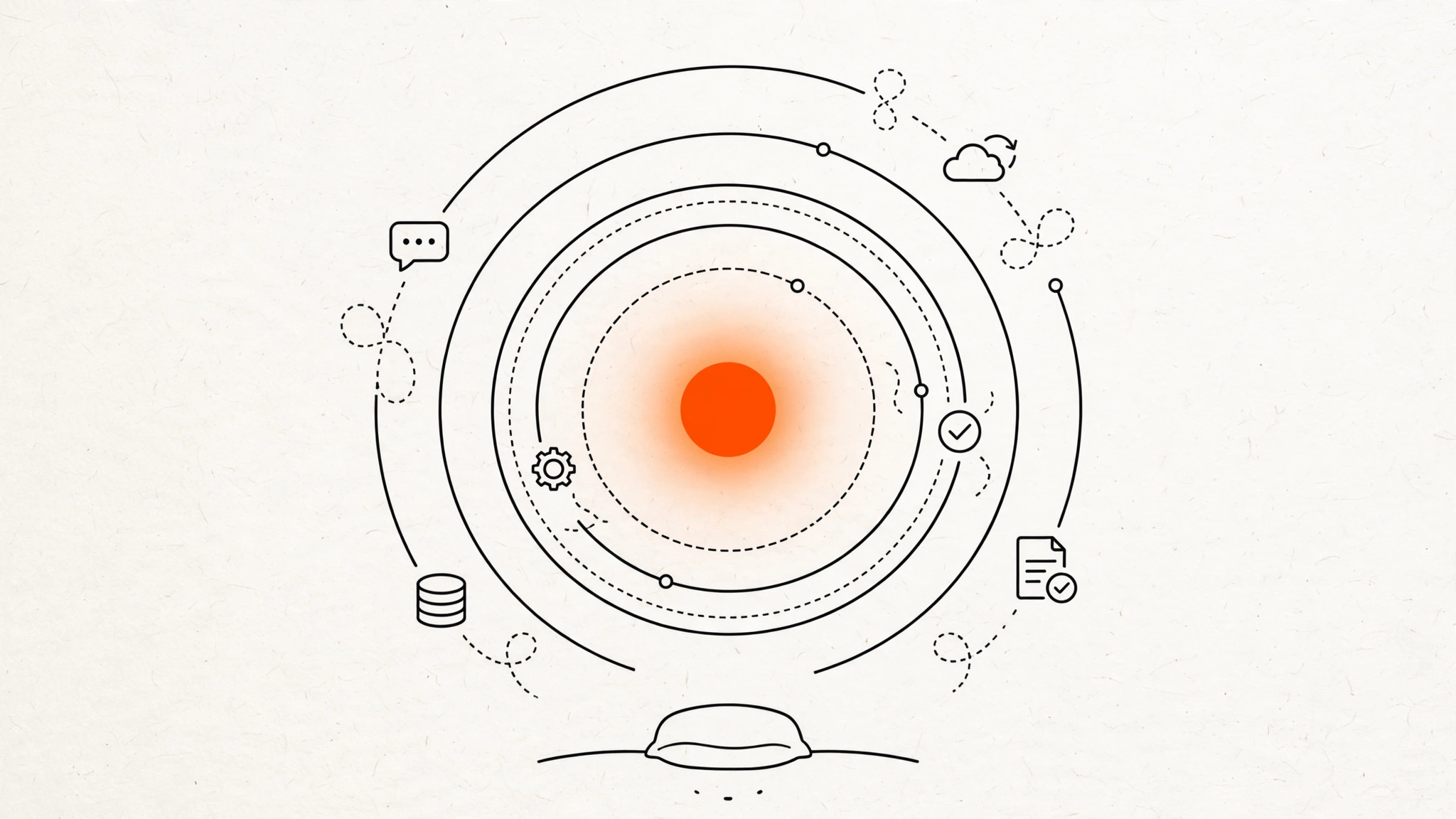
OpenAI used its DevDay conference on September 29, 2026 to launch Dots: always-on AI agents that each get their own cloud computer and web browser, run on the new GPT-6 Astra model, and keep working toward your goals after you close the laptop. This matters because it moves the industry’s default product shape from a chatbot that waits for prompts to a worker you leave running. Below are the confirmed facts, how OpenAI says the safety guardrails work, and what the launch means if you build agents or automations yourself.
One note on sourcing: everything here comes from OpenAI’s announcement as reported by multiple outlets on September 29-30. I have not tested Dots hands-on — rollout is still limited — so treat capability claims as announced, not independently verified.
What was announced
A dot is a persistent agent inside ChatGPT. Persistent here means it holds a goal, keeps its context, and continues working in the background without a new prompt at every step — closer to a junior colleague you brief once than a chatbot you interrogate.
The confirmed facts, as reported by MacRumors and PYMNTS:
- Each dot runs on its own cloud computer with a web browser, powered by GPT-6 Astra.
- Dots connect to 4,000+ apps through OpenAI’s plugin ecosystem.
- They carry context across ChatGPT on desktop, web, and mobile, plus Slack and Microsoft Teams. SMS texting is described as coming soon.
- A dot learns your preferences and standards over time from working with you, per OpenAI.
- Users create a primary dot and name it starting now; teams of dots are planned for later.
- OpenAI also announced GPT-6.1 Sol (an upgrade focused on agentic coding, computer use, and professional work) and ChatGPT Space, a collaborative workspace for working with dots.
OpenAI’s pitch, quoted across the coverage: “Your dot can do simple things like book a table — or take on your most ambitious work with the initiative of a high-agency engineer or chief of staff.” As examples of internal use, the company says dots have investigated bugs flagged in Slack, converted designs into working apps, and coordinated planning cycles. Those are OpenAI’s claims from its own testing, not third-party results.
How the guardrails work
The most interesting part of the announcement for builders is not the autonomy — it is the controls. OpenAI is shipping approval gates as first-class product features:
- Users define custom rules for which tasks a dot may do alone and which require approval.
- When idle, dots run in “proactive research” mode with read-only access to connected apps — they cannot send messages or change content without instruction.
- Certain actions, such as changing a password, are reserved for the user and cannot be delegated at all.
- For consequential work, OpenAI’s own guidance is blunt: “Dots can still make mistakes, so always review consequential work.”
For enterprise, there is a separate tier called specialist dots: agents configured with a company’s own identity, credentials, and system access for defined jobs like procurement, invoice processing, or customer support. A partnership with Microsoft is underway to manage specialist dots through Microsoft’s Agent 365 governance tools, and OpenAI says its engineers will work directly with organizations on early pilots to set deployment scope.
The launch also lands amid real scrutiny of agent safety — OpenAI published a companion post, “How we build safety, security, and privacy into dots,” alongside the announcement. Skepticism is warranted: an agent that acts while you are away concentrates exactly the failure modes (wrong recipient, wrong data, unlogged actions) that approval gates are meant to contain.
Rollout and pricing
- Who gets it: ChatGPT Pro and Business Premium subscribers in eligible markets, plus Enterprise users via a workspace-admin-enabled beta. Note the geographic catch: for Pro users, eligible markets exclude the EEA, Switzerland, and the UK, per OpenAI’s rollout notes.
- Cost: each eligible user’s first dot is included at no extra cost. Conversations with a dot do not count toward ChatGPT usage limits, but tasks consume plan allowances — and for the first month, dot usage will not count against those allowances at all. Pricing after that month has not been announced.
- Setup happens in the ChatGPT desktop app; the dot is then accessible in the mobile app.
Why this matters if you build agents
1. The default shape of an “agent product” just changed. For two years the unit was a conversation: prompt in, answer out. Dots, Meta’s Muse, and similar efforts make the unit a running worker with a goal. If you build automations with n8n, Make, or custom code, your users will soon compare your scheduled workflows against agents that monitor, revisit, and continue on their own. The bar for “good enough automation” moved.
2. Copy the guardrail pattern, not the hype. The genuinely reusable ideas in this launch are boring and important: read-only background mode, explicit act-vs-ask rules per task type, and named identities for enterprise agents. If you run unattended workflows today, ask which of your steps would survive a “proactive research mode” audit — anything that sends, deletes, or spends should already sit behind an approval step.
3. Distribution now runs through closed plugin ecosystems. Dots reach 4,000+ apps through OpenAI’s plugins. If your product or internal tool is not in that ecosystem, Dots cannot touch it — which is both a limitation of Dots and a reminder that open integration layers (APIs, webhooks, MCP servers) remain the portable way to make any agent useful anywhere.
4. Expect pricing to get complicated. “Conversations free, tasks metered” is a new billing axis. If you sell agent-based work, watch how OpenAI prices dot tasks after the first month — it will set customer expectations for what autonomous work should cost.
What to watch
- Independent testing. No third party has stress-tested a dot’s reliability, permission handling, or cost per task yet. Wait for those numbers before recommending Dots for anything consequential.
- Post-first-month pricing. The real cost of “always-on” is unknown until OpenAI publishes task pricing.
- The safety record. Persistent agents multiply the blast radius of a bad instruction. Watch whether the approval-gate model holds up in production or gets quietly loosened for convenience.
- Enterprise specialist dots and Agent 365. If Microsoft’s governance integration ships cleanly, it becomes the template for how always-on agents get deployed inside regulated companies.
Key Takeaways
- Dots are ChatGPT’s move from chatbot to persistent worker: own cloud computer, GPT-6 Astra, 4,000+ app connections, background operation.
- The guardrails are the real product story: custom act-vs-approval rules, read-only proactive research mode, and non-delegable actions like password changes.
- Rollout is narrow for now: Pro/Business Premium/Enterprise, select markets, first dot free, task pricing still unannounced.
- For builders, the lesson is architectural: users will expect agents that monitor and continue — and approval gates are now table stakes, not nice-to-haves.
Next step: audit one unattended workflow of yours this week and mark every step that sends, deletes, or spends. Those are the steps that need an approval gate before you call the workflow “autonomous.”