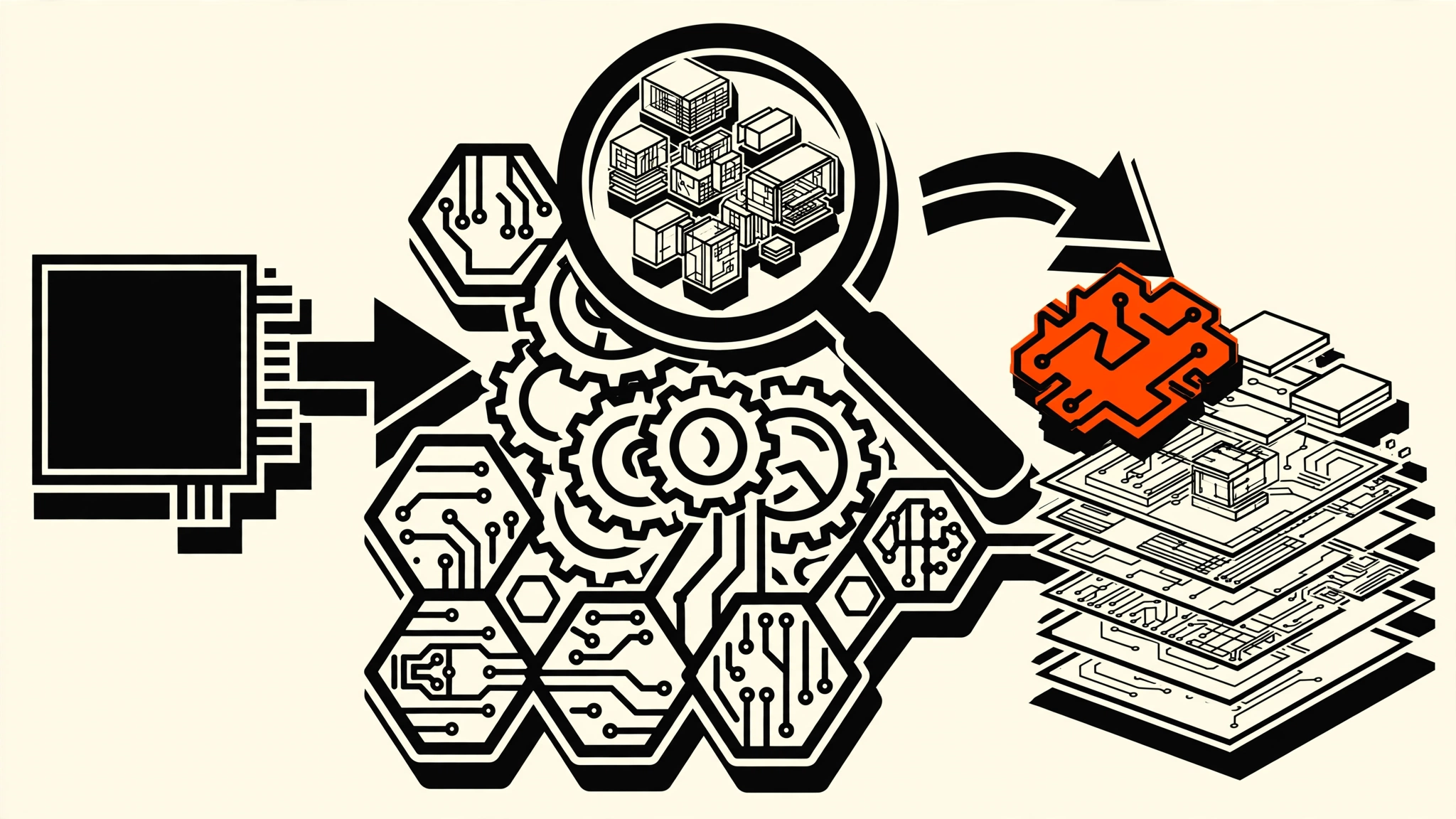
You use an app every day, and one of its features is exactly what your own product needs. A competitor’s checkout flow. The way a desktop app syncs state offline. An undocumented API a website calls behind the scenes. You have no source code, and reading a minified bundle or a raw binary by hand is a multi-day job.
REA — short for Reverse Engineer Anything — hands that job to your AI agent. It’s an MCP server (Model Context Protocol, the open standard for giving AI models tool access) plus agent skills that let an agent inspect local apps, binaries, and websites, return findings with evidence, and then explain, re-implement, and test what it found. The project’s own pitch is blunt: “See a feature in an app you want in your own product? Ask your agent to investigate it with REA. It can inspect the app without its source code, explain how the feature works, show the evidence, and build a version for your project.”
By the end of this post you’ll have REA registered with your coding agent, know the exact prompt pattern that produces evidence-backed answers, and know when to stop and just read the code yourself. As of October 2026, REA is MIT-licensed and under active development — releases land frequently, so pin the version you verify.
Prerequisites
- Node.js 22.x (>=22.19), 24.x (>=24.11), or 26+ with npm installed. Check with
node --version. - An agent tool REA’s setup supports: Claude Code, Codex, Cursor, Gemini CLI, or Grok Build (others listed in their installation docs).
- A target you are allowed to inspect: your own app, an open-source project, or anything you have authorization to analyze.
- Optional for native binaries: an existing Hopper, Ghidra, or IDA installation — setup can install Hopper with your approval.
Step 1 - Register REA with your agent
Run the setup command with Node.js and npm on your PATH:
npx rea-agents setupThe setup walks you through picking your agent(s), shows the proposed configuration changes (it backs up your existing config first), and asks for approval before applying anything. It registers REA’s MCP server and installs matching workflow instructions so the agent knows how to call the tools. Restart your agent afterward.
You should see REA’s tool catalog listed in your agent’s MCP tools after the restart — if it’s missing, re-run npx rea-agents@latest setup to refresh the registration, which is also how you pick up fixes in newer releases. Because REA ships updates often, make rea update (or re-running setup) part of your routine rather than a one-time step.
Note: On Linux, launching Ghidra, JADX, or firmware analysis tools requires a procps-compatible
pson REA’s PATH for process-ownership checks. If native tool launches fail silently, that’s the first thing to check — recovery steps are in the repo’sdocs/installation.md.
Step 2 - Ask your agent to investigate a feature
This is the core loop. Point the agent at a concrete behavior, not the whole app:
Understand how search works in the Notes app, show me the evidence, and build a similar feature for my project.Replace Notes with your target app and search with the feature you care about. The pattern matters: behavior + evidence + implementation. Asking for the evidence forces the agent to show its work — the code references, strings, or call traces behind each claim — instead of confidently hallucinating an architecture.
Under the hood, the flow is: your agent calls REA through MCP → REA inspects the target and traces relevant code → findings come back with evidence and stated limitations → your agent explains, implements, and tests. The evidence-plus-limitations part is what separates this from pasting a binary into a chat window. REA explicitly reports what it couldn’t determine, which is where you’d start your own manual verification.
If you already use MCP servers inside n8n workflows, the mental model transfers directly — the difference is that REA’s server exposes analysis tools instead of app integrations. Our n8n MCP setup guide covers the mechanics of wiring an MCP server into an AI Agent node if you want to pipe REA-style findings into an automation later.
 Reverse engineering starts where the documentation ends: raw code, strings, and call traces.
Step 3 - Use the same tools from the terminal
You don’t have to go through an agent. The same workflows run as CLI commands — useful when you want a quick, scriptable answer:
npx -y rea-agents@latest analyze-javascript-application /absolute/path/to/app --jsonThis inspects an extracted JavaScript/Electron app directory (or an ASAR archive) and returns modules, imports, Electron IPC boundaries, and the evidence behind each. Replace the path with your target — "D:/apps/example" on Windows.
For regular use, install the command globally so you stop typing npx every time:
npm install --global rea-agents
rea --help
Native binary analysis needs a provider configured first (Hopper, Ghidra, or IDA — or objdump/Rizin for offline inspection); the repo’s CLI guide covers provider selection. Static JavaScript and .NET inspection only read your files — they never run the target.
Step 4 - Read the findings like an engineer, not a fan
REA’s headline showcases are deliberately verifiable. The DX-Ball showcase follows a sound call into its position-to-pan helper, turns incomplete decompiler pseudocode into C, and the reconstruction passes 3,205 original-x86 test cases and reproduces all 63 compiled function bytes. The Notion showcase traces the Electron clipboard bridge; the TH04 showcase recovers a DOS-era bullet-ring calculation. That specificity is the standard to hold the tool to.
When your agent returns findings, check three things:
- Is the evidence a real artifact? A function address, a decompiled snippet, a traced IPC call — not a restatement of your question in confident language.
- What are the stated unknowns? REA ships limitations with its conclusions. Unknowns near the core of your question mean manual verification is still required.
- Can you reproduce it? Ask the agent to write the re-implementation and test it against the observed behavior, not just describe it.
The trade-off to internalize: REA makes an agent dramatically better at reading code it couldn’t previously reach, but the agent is still an LLM interpreting evidence. For the feature you’re cloning, the build-and-test loop is the verification — same as any generated code.
 The output worth trusting: evidence-backed findings with stated limitations, not confident summaries.
What you can point REA at
The target list is wider than most people expect from a single MCP server:
| Target | What you get back |
|---|---|
| Native binaries | Pseudocode, assembly, strings, symbols, calls and references (via Hopper, Ghidra, or IDA) |
| JavaScript / Electron apps | Modules, imports, source maps, routes, IPC, native add-on relationships |
| .NET assemblies | Metadata, CIL instructions, declared native dependencies |
| Websites | Page structure, scripts, network observations, screenshots |
| Android APKs | Manifest, classes, decompiled methods and references (via JADX) |
| Firmware | Regions, extraction results, native-analysis handoffs |
| WASM / EVM bytecode | Decoded sections, import/export forms, dispatch selectors |
| SQLite databases | Tables, columns, indexes, triggers, row samples |
| Network captures | Requests, responses, exposed payloads (HAR or SAZ) |
| Process behavior | Terminal output, filesystem observations, run comparisons |
Static analysis reads files without executing them. Runtime capture runs or interacts with the target using your own user permissions — each runtime guide in the docs describes its effects, so read the one for your target before you capture.
The rules of engagement (read this before you point it at anything)
REA is a power tool, and the README ships with a disclaimer for a reason. The honest version:
- Analyze what you own or are authorized to analyze. Your own apps, open-source software, authorized assessments. REA doesn’t change what’s legal or ethical to inspect — it just makes it faster.
- Runtime capture runs code. It executes or interacts with the target under your permissions. Don’t capture a suspicious binary on your production laptop the way you wouldn’t double-click a suspicious attachment.
- Evidence beats the tool’s own marketing. REA is early and moving fast (36+ releases since April 2026). Verify the specific target workflow you need against the current docs before building a project around it — the repo’s release-availability page tracks what landed after the latest npm release.
Key Takeaways
- REA is one MCP server for reverse engineering across binaries, apps, and runtime behavior — your agent inspects targets it previously couldn’t reach.
- The prompt pattern is behavior + evidence + implementation — “understand how X works, show me the evidence, and build a version for my project.”
- Evidence and stated limitations are the product — they’re what make the output verifiable instead of confident guesswork.
- The same tools run from the terminal —
npx rea-agents@latest analyze-javascript-application <path> --jsonfor scriptable, agent-free inspection. - Clone features, not liability — own apps and authorized targets only; runtime capture executes code under your permissions.
Next: run npx rea-agents setup, pick one feature from an app you use daily, and ask your agent to trace it. When the findings come back, check the evidence before you check the explanation — and if you rebuild it in your own stack, that’s a before/after story worth publishing.
FAQ
Is REA free?
Yes — MIT-licensed and open source. Native analysis providers (Hopper, IDA) have their own licenses; Ghidra is free. The setup can optionally install Hopper with your approval.
Does REA work with agents other than the big five?
Setup officially supports Claude Code, Codex, Cursor, Gemini CLI, and Grok Build, with additional agents documented in the installation guide. The CLI commands work independently of any agent.
Can REA analyze a website I don’t own?
Technically it can inspect page structure, scripts, and network observations via a Chrome-family browser. Legally and ethically, stick to sites you’re authorized to test — the same rules as any web security tooling apply.
Images: Pexels