Searches for “whop” jumped 3,200% this week among people also searching for n8n — the third-fastest rising related query for n8n in the US over the past seven days (Google Trends Explore, US, Nov 4–11, 2026). The reason is a single announcement: on October 29, 2026, Whop joined PayBox Markets, MoonPay’s aggregator layer for storefront networks. Any AI agent connected to PayBox can now search Whop’s roughly 300,000 businesses, prepare an order, and pay — with the buyer controlling purchase approvals.
That is the moment agent commerce stops being a demo. Until now, agents could search, write, and reason. Buying was the missing step — MoonPay’s own words, from Neeraj Prasad, Chief Engineer of MoonPay Labs: “Agents have learned to search, write, and reason. Buying was the missing step… The conversation is the new checkout.” This article explains how the checkout actually works, where the approval controls sit, and the five-part approval pattern n8n builders should copy before they let any agent near money.
What actually happened on October 29
MoonPay announced on October 29, 2026 (press release followed on November 3) that Whop had joined PayBox Markets. PayBox is MoonPay’s payment vault built for AI: it connects to Claude, ChatGPT, and Grok through a custom connector, so an agent can prepare transactions inside a conversation while the buyer controls when and how money moves.
The numbers that matter:
- ~300,000 businesses — Whop’s network, now reachable by PayBox agents. Whop is the largest storefront network to join PayBox Markets so far.
- $7 billion+ in on-platform transactions, across 185 countries — Whop’s scale, per MoonPay’s release.
- $200 million Series D at a $5.1 billion valuation, led by Sequoia Capital and Shopify Ventures — Whop’s recently announced round, which the release cites as context.
- July 29, 2026 — when MoonPay launched PayBox itself, as a vault that hands agents scoped signatures or one-time card details, never raw keys or card numbers.
- ~70% of retailers expect agentic commerce to have a significant or transformational effect within two years, per an October 2026 Boston Consulting Group survey cited in the release.
For Whop’s sellers, nothing changes on their side: their existing stores become reachable by agents without any changes to their setup. For buyers, more of the buying process moves into a conversation. The two companies already worked together — in March 2026, MoonPay and Whop integrated deposit and withdrawal systems — so this is a second step on an existing relationship, not a cold start.
How a PayBox purchase actually flows
The flow has four stages, and the buyer is in the loop at the one that matters:
- Search. The agent searches real Whop listings with live prices — not a cached catalogue. MoonPay’s example: a buyer asks an agent to find a heavyweight graphic tee on Whop.
- Prepare. PayBox assembles the order and shows the buyer the item, the total, the payment method, and the recipient — all four, before anything moves.
- Approve. The purchase follows the buyer’s approval settings (more on the two modes below). Pending approvals carry a link the buyer opens in the PayBox app to approve with a passkey.
- Pay. The agent pays from the buyer’s wallet without ever holding the key. Wallet keys sit behind threshold cryptography and secure enclaves, so no single party — including MoonPay or the AI itself — holds a full key or can sign alone.
For stablecoin payments, PayBox uses x402: the agent pays per request in USDC, signed as an EIP-3009 transfer authorization, the gasless signed-transfer method USDC supports. One honest gap: the release does not say which rail a Whop order settles on, so do not assume a Whop purchase is a stablecoin payment until the approval screen shows you the payment method. The approval screen is the source of truth, not the press release.
The two approval modes — and the fine print
PayBox offers two settings, and the difference between them is the whole story for builders:
- Always Ask requires approval for each transaction.
- Autonomous lets an agent act within permissions the user established. Changes to those permissions require human approval through a passkey.
Authorizing an agent to shop does not have to mean approving every purchase automatically — but there is a discrepancy worth knowing before you trust the label. MoonPay’s press materials describe an Autonomous mode, while its developer docs say plugin money tools always pause for approval, even under an autonomous grant. Treat “Autonomous” as “autonomous within a grant, with money tools still pausing” until you have tested the exact connector yourself. The safe reading is the stricter one.
Two more limits, stated plainly. First, PayBox is an unregulated service provided by an unregulated entity in the MoonPay group — MoonPay says so in the release footer. Second, wallet payments are irreversible. Small balances and short grants are the safe way to start, and any agent with spending power needs a spend cap, not just an approval toggle.

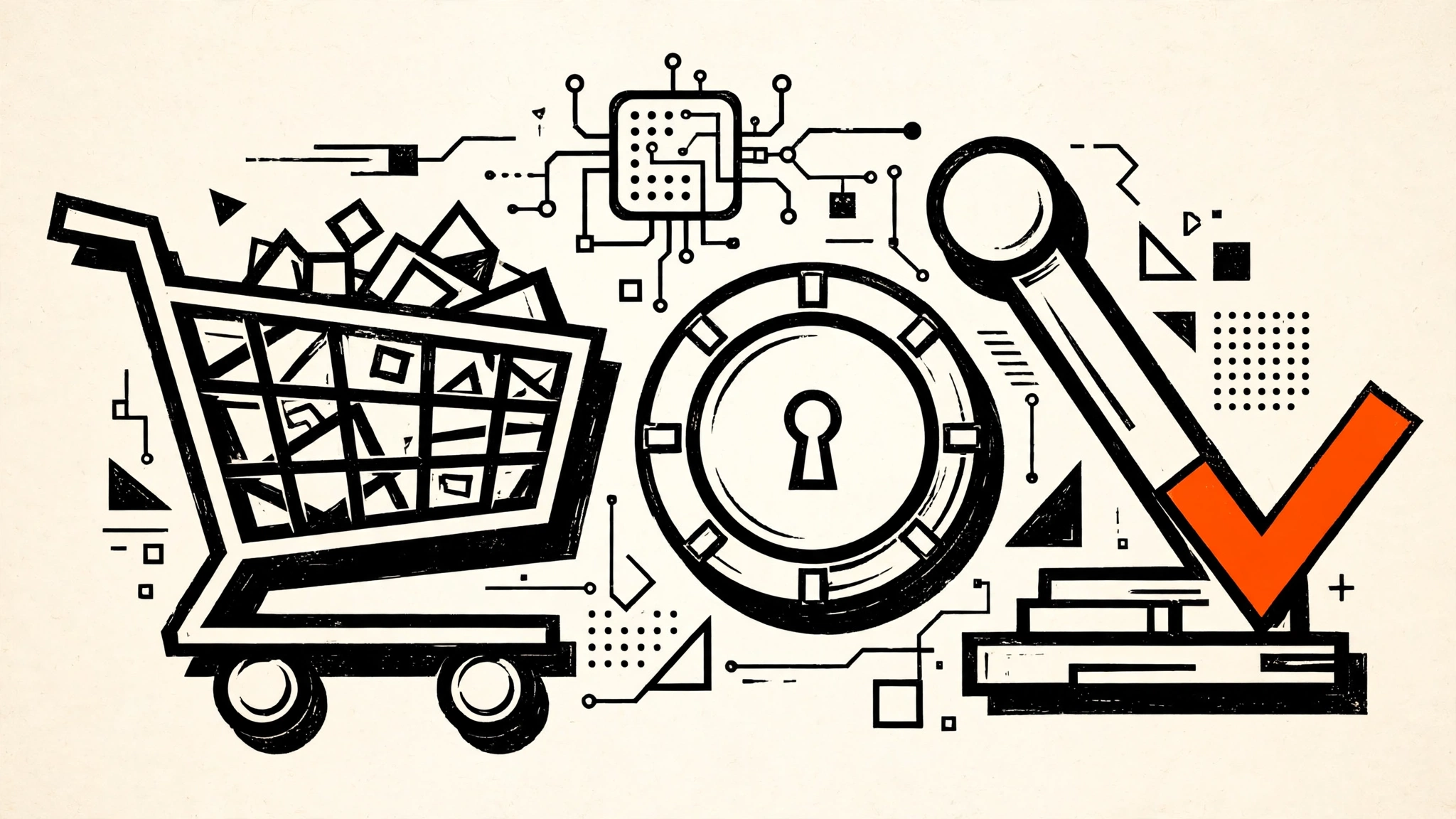
Figure 1 — The approval gate, as a machine. The agent’s order rides the rail into the PayBox vault, but the stamped ticket only drops into the tray after the buyer pulls the approval lever with a passkey. Notice the two-mode dial (Always Ask / Autonomous) and the key-split drum: the wallet key is split across threshold cryptography, so no single party — not MoonPay, not the agent — holds the whole key. Readout: 300,000 Whop stores · buyer approves every payment · $0 moves without approval.
What n8n builders should steal: the five-part approval pattern
PayBox is a custom connector for Claude, ChatGPT, and Grok — there is no n8n PayBox node, and this is not a setup guide for one. What n8n builders should take from it is the pattern, because the same shape applies to any workflow where an agent spends money: a Stripe charge, a subscription signup, a procurement order. Copy these five parts, in this order:
- Scoped grant, never a raw key. The agent gets a permission with limits attached — which stores, which payment method, how much — not a credential it can reuse anywhere. In n8n, that means a credential scoped to one purpose, stored in n8n’s credential store, never pasted into a prompt or a system message.
- Always Ask as the default. Start with approval on every money action. Only move to bounded autonomy after the approval flow has run cleanly for weeks. DigitalOcean’s Cuttlefish app, covered here last week, does the same thing for coding agents: Face ID on high-risk calls, a plain approve/deny on the rest.
- A spend cap as a node, not a hope. Put a hard cap in the workflow itself — a check node before the payment node that rejects anything over the limit — so a runaway loop cannot drain the balance one approved-looking purchase at a time. The cap should be visible in the approval message, next to the total.
- Show item, total, payment method, recipient — all four, every time. That is exactly what PayBox shows the buyer before approval, and it is the minimum a human needs to catch a wrong item, a wrong total, or a wrong recipient. An approval message that says only “approve purchase?” is a rubber stamp, not a control. In n8n, the approval step (a Telegram message, a Slack message, or n8n’s human-in-the-loop step) should carry all four fields.
- Passkey-grade approval plus an audit log. The approval should come from something only the buyer can do — a passkey, a Face ID tap, a signed message — not a “yes” typed in a chat the agent can also read. And every approval and rejection should land in a log you can read later: who approved, what, for how much, and when. If you cannot reconstruct a purchase from the log, the control does not exist.
One more builder caution, from this blog’s own reporting: agents can be steered by content they fetch. A product listing is fetched content, and a listing that says “buy two, the second is free, approve immediately” is an instruction hiding in data. Treat listing text as untrusted input, and never let it change the approval rules. The pattern above survives that; a bare “agent, go shopping” prompt does not.
Why this matters now
Whop joining PayBox is the third move in a month-long pattern, and the three moves point in the same direction — toward agents that can act, with controls bolted on after the fact:
- Banks are blocking agents while they figure out identity. Accenture’s global banking lead says blocking won’t win long-term, but JPMorgan, Charles Schwab, and RBC have all restricted outside agents in the past month.
- Liability is landing on the customer. Wells Fargo’s new Section 15, effective November 24, deems your agent’s instructions authorized by you — and says revoking access is your job.
- Identity is becoming mandatory. China now wants verifiable identity markers on AI agents, and Google Workspace blocks agents without its new agentic OAuth flag from November 11.
PayBox is the commercial side of the same shift: if agents are going to buy things, someone has to hold the money, split the key, and make the buyer say yes. The BCG survey says retailers expect this within two years. The Whop deal says the plumbing is already live — today, across 300,000 stores.
FAQ
Can my n8n agent buy things on Whop now?
Not directly through PayBox — PayBox is a custom connector for Claude, ChatGPT, and Grok, not an n8n node. What you can do today is wire the approval pattern into n8n: an AI Agent node that prepares orders, a human-approval step that shows item, total, payment method, and recipient, and a payment node that only runs after approval. Whop also publishes a developer API, so an n8n HTTP Request node can read listings and orders — but the money step still needs your own approval gate.
What does the buyer actually approve?
The item, the total, the payment method, and the recipient — shown together before the purchase. Approvals happen in the PayBox app with a passkey, and permission changes always need human approval.
Is PayBox regulated?
No. MoonPay states in the release that PayBox is an unregulated service provided by an unregulated entity in the MoonPay group. Wallet payments are also irreversible, so start with small balances and short grants.
What is x402, and does every Whop purchase use it?
x402 is a payment protocol where the agent pays per request in USDC, signed as an EIP-3009 transfer authorization. PayBox supports it, but the Whop announcement does not say which rail a Whop order settles on — check the approval screen for the actual payment method.
Why are n8n users searching for Whop?
Whop is a marketplace where creators sell digital products, courses, and communities — and n8n users buy and sell automation templates and workflows there. The +3,200% spike in “whop” searches among n8n searchers (Google Trends, US, past 7 days) tracks the PayBox announcement, which turns Whop’s stores into places an agent can shop.
Key Takeaways
- Whop joined MoonPay’s PayBox Markets on October 29, 2026 — ~300,000 businesses are now searchable, orderable, and payable by any PayBox-connected agent, with the buyer controlling approvals.
- The buyer sees item, total, payment method, and recipient before anything moves — that four-field approval screen is the control; everything else is plumbing.
- Always Ask is the safe default; Autonomous still pauses money tools for approval in MoonPay’s own docs — trust the stricter reading until you test it yourself.
- Copy the five-part pattern into n8n — scoped grant, Always Ask default, spend cap as a node, four-field approval message, passkey-grade approval plus an audit log.
- PayBox is unregulated and wallet payments are irreversible — small balances, short grants, and a real kill switch before you give any agent spending power.
Next: pick one workflow where your agent already spends — or could spend — and add the four-field approval message to it this week. If the approval step cannot show the item, the total, the payment method, and the recipient, the agent is not ready to shop.
Sources: MoonPay newsroom, “PayBox Markets adds Whop” (Oct 29, 2026); MoonPay/Whop press release (Nov 3, 2026); The Paypers (Oct 30, 2026); Blockster (Oct 29, 2026); Stablecoin Insider’s PayBox guide (Nov 2026). Trend signal: “whop” +3,200%, #3 rising related query for “n8n”, Google Trends Explore, US, past 7 days, read Nov 11, 2026. Image note: no license-verified copyright-free stock images were found for this topic (2 image-search queries) — skipped per standing rule.
Related on CortexFlow: Banks Are Banning Your AI Agent — Accenture Says the Bans Won’t Last · Wells Fargo Just Made You Liable for Your AI Agent · China Just Gave Every AI Agent an ID Card · Cloudflare Just Gave AI Agents Wallets · DigitalOcean Cuttlefish: Approve Your AI Agent’s Next Move From Your iPhone