You updated Qdrant to 1.19.x. You changed nothing in n8n. Now the Qdrant Vector Store node fails every run with:
Problem in node 'Qdrant Vector Store': fetch failed
NodeApiError: fetch failed
Even the collection dropdown refuses to load: Could not load list — fetch failed. Typing the collection name by hand does not help; executing the node still fails.
The error message lies to you twice. First, it is not a network problem. Second, it is not really Qdrant 1.19’s fault. By the end of this guide you will know the actual broken part — an outdated HTTP client bundled inside n8n — and the four fixes that genuinely resolve it, verified against the upstream GitHub issues.
Prerequisites
- n8n 2.37–2.38 self-hosted (Docker) with the built-in Qdrant Vector Store node — the affected range (as of Oct 2026).
- A Qdrant server (self-hosted Docker or cloud) at 1.19.x, reachable from the n8n container.
- SSH or host access to the machine running n8n (for the upgrade commands).
The symptom checklist
Before touching anything, confirm you are hitting this exact bug and not a lookalike:
- Node operation fails: any operation on the built-in Qdrant Vector Store node (Insert Document, Get Many, Get Document) returns
NodeApiError: fetch failed. - Dropdown is dead too: the “Qdrant Collection” dropdown shows
Could not load list / fetch failed— so it fails even outside execution. - It started right after a version change: Qdrant server went to 1.19.x, or n8n moved to 2.37.x–2.38.x. No workflow edits, no credential changes.
- The plain Qdrant node works fine: add the separate Qdrant node (not the Vector Store one) and run “Get Collections” — it lists your collections without errors. Your URL, credentials, and network path are all fine.
If point 4 is true, stop debugging your network. This is a client bug inside n8n, and the fix is version surgery, not firewall rules.
The real root cause (not what the error says)
n8n ≤ 2.38.2 bundles @qdrant/js-client-rest at version ^1.16.2 inside @n8n/nodes-langchain. That client depends on undici ^6.0.0. Meanwhile, the official n8n Docker image in this era runs on Node.js 26, whose global fetch is undici 8 — which removed the legacy handler wrappers undici 6 relied on.
When the vector store node makes a request, the v6 dispatcher is handed to Node 26’s global fetch, which rejects it with invalid onError method. n8n wraps that rejection and all you see is the generic fetch failed.
Two things that mislead everyone (including me on the first pass):
- Qdrant 1.19 is a red herring. The timing is coincidental — people upgraded Qdrant in the same window n8n’s image moved to Node 26. The Qdrant server happily serves the official
n8n-nodes-qdrantcommunity node with the same credentials, as the reporter of n8n-io/n8n#37907 verified. - The version-compatibility warning is a red herring too. The client’s version probe is fire-and-forget (
console.warnonly) — it never blocks a request. SocheckCompatibility=falseand friends cannot fix this, and you should not waste time on them.
This was confirmed end-to-end on GitHub: #37907 (GHC-9420) nailed the outdated bundled client, and #38261 (GHC-9437) showed the identical failure with the full NodeApiError: fetch failed stack trace on n8n 2.37.10 + Qdrant 1.19.1. The n8n team marked it resolved with a fix shipping in the 2.39 line.

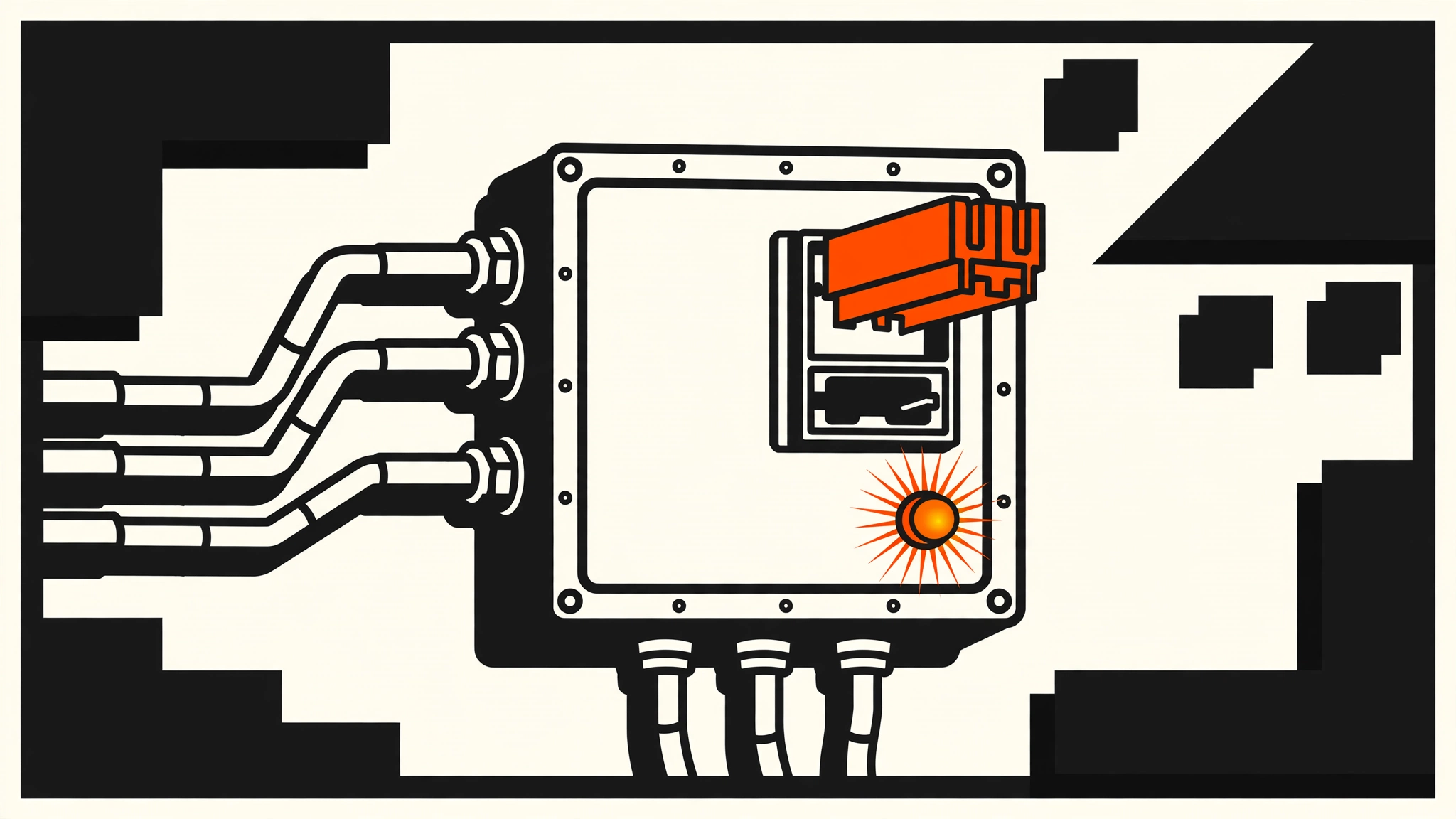
fetch failed. Swapping in the correct v1.19 cartridge — i.e. upgrading n8n to 2.39.x — seats the pins and closes the circuit.Diagnose it in 2 minutes
Run these before changing anything, so you know you are not chasing a lookalike:
1. Confirm your n8n version is in the broken range.
docker exec <n8n-container-name> n8n --version
# broken range: 2.37.x and 2.38.x (2.37.10 confirmed by the reporter)
Or open n8n → bottom-left avatar → Settings → About. Also check Node: docker exec <n8n-container-name> node -v — if it prints v26.x, the undici-8 condition is present.
2. Prove the server and credentials are fine.
# From the n8n host or a machine on the same network as Qdrant:
curl -s http://<qdrant-host>:6333/
# expect: {"title":"qdrant - vector search engine","version":"1.19.x"}
If you get JSON back, Qdrant is up, the port is reachable, and your connection details are correct.
3. Run the isolation test. In n8n, add the plain Qdrant node (the resource node, not the Vector Store node), configure the same credential, and run Get Collections. If it lists collections while the Vector Store node fails, you have isolated the bug to the Vector Store node’s bundled client. Upgrade is your fix.
Fix 1 — Upgrade n8n to 2.39.x or newer (the real fix)
The upstream fix bumps the bundled @qdrant/js-client-rest to ^1.19.0, which lands in the n8n 2.39 release line (verified on the 2.39.5/2.39.6 tags). Upgrading n8n is the permanent fix — it repairs the dispatcher mismatch instead of working around it.
With Docker Compose (the standard n8n-hosting layout):
cd /path/to/your/n8n-compose   # wherever your docker-compose.yml lives
docker compose pull n8n
docker compose up -d n8n
docker compose logs --tail=50 n8n   # confirm: "n8n ready on 0.0.0.0, port 5678"
Do this before you need it in an emergency:
- Take a database backup first. n8n stores workflows and credentials in Postgres (or SQLite). For Postgres:
docker compose exec postgres pg_dump -U n8n n8n > n8n-backup-$(date +%F).sql - Pull and restart as above.
- Open n8n → Settings → About and confirm the version is 2.39.x or newer.
- Re-run the Vector Store node. The collection dropdown now loads and operations succeed.
If you pin versions in your compose file (you should — see “Prevent it next time”), bump the tag deliberately rather than pulling latest:
services:
  n8n:
    image: docker.n8n.io/n8nio/n8n:2.39.5   # or newer
Note: Restart alone does not fix this. Downgrading n8n within the broken range does not fix it either. The only thing that matters is the
@qdrant/js-client-restversion n8n ships — and that only changes with a 2.39+ release.
Fix 2 — Use the official n8n-nodes-qdrant community node
If you cannot upgrade n8n right now (change freeze, pinned infra, whatever), swap the node — not the server. The officially maintained n8n-nodes-qdrant community node uses its own client stack and was verified against Qdrant 1.19.x with the same URL and credentials that fail on the built-in node.
Install it via n8n’s Community Nodes (Settings → Community Nodes → Install, package name n8n-nodes-qdrant), or in a self-hosted Docker setup:
docker exec <n8n-container-name> npm install -g n8n-nodes-qdrant
docker restart <n8n-container-name>
Then rebuild the Qdrant part of your workflow with the community node. Keep the built-in node’s credential handy — the connection details are identical, only the node implementation differs. When your n8n upgrade window opens, switch back (or don’t — the community node keeps working).
Fix 3 — Check the reverse-proxy subpath case
A smaller but real second failure mode from the same period: if your Qdrant sits behind a reverse proxy with a URL prefix (e.g. https://internal.example.com/qdrant/), the bundled client can drop the subpath when building requests (n8n-io/n8n#38890) — producing the same fetch failed surface.
Quick check: compare your credential’s Qdrant URL against what the proxy actually forwards.
- If the URL has a path suffix, try the root URL against the proxy (or Qdrant directly at
:6333) in a test credential. If the root works, your failure is the subpath case, not the client case. - Permanent fix: give Qdrant a dedicated hostname/subdomain (no subpath) at the proxy, or terminate the prefix at the proxy so the credential URL is always root-level.
Fix 4 — Do NOT waste time on these (verified dead ends)
Saying no to wrong fixes is half the repair. Each of these was tried and ruled out in the upstream threads:
checkCompatibility=false— the client’s version probe is fire-and-forget; it warns but never blocks. Disabling it cannot fix a request that already failed.- Regenerating API keys / re-saving the credential — the plain Qdrant node proves credentials work; the problem is downstream of auth.
- Firewall / DNS debugging marathons —
curlto:6333returning version JSON proves the network path. The failure happens inside the request dispatch, not in transit. - Re-creating collections or matching vector names — those fix “not existing vector name” errors, a completely different failure. Don’t conflate them.
Verify it worked
After applying Fix 1 (or Fix 2), run this exact sequence:
- Dropdown test: open the Qdrant Vector Store node → “Qdrant Collection” dropdown. It must now load and list collections (previously
Could not load list / fetch failed). - Insert test: run an Insert Documents operation with one small document. Confirm
mode: insertsucceeds in the output. - Retrieve test: run a Get Documents operation against the same collection and confirm your document comes back.
- Log check:
docker compose logs n8n | grep -i -E "fetch failed|invalid onError"should return nothing new on a fresh run.
All four green means the dispatcher mismatch is gone — not just masked.
Prevent it next time
- Pin both image tags in your compose file.
image: qdrant/qdrant:v1.19.4andimage: docker.n8n.io/n8nio/n8n:2.39.5— never barelatestfor either. An unpinneddocker compose pullis how this class of breakage arrives unannounced. - Upgrade n8n and Qdrant in the same maintenance window, and test the vector nodes first. The Qdrant node is your canary: if the dropdown loads, the client/server handshake is healthy.
- Keep a version-compatibility note in your runbook: n8n 2.37–2.38 ↔ broken with bundled client 1.16.2; n8n ≥ 2.39 ↔ client 1.19.0. One line saves the next on-call engineer an hour.
- Don’t run two version jumps at once. Upgrade n8n first, verify RAG workflows, then move Qdrant — so you always know which half broke if something does.
FAQ
Which n8n versions are affected?
2.37.x and 2.38.x with the official Docker image (Node 26 runtime). The fix — bundled @qdrant/js-client-rest ^1.19.0 — ships in the 2.39 release line. n8n Cloud users are patched automatically.
Is Qdrant 1.19.x actually broken?
No. The server is fine; the official community node talks to it without issues. The failure is entirely inside n8n’s bundled JS client interacting with Node 26’s global fetch. The timing overlap with the Qdrant upgrade is what made everyone blame the server.
Why does the plain Qdrant node work but the Vector Store node doesn’t?
They use different client code. The plain resource node goes through n8n’s standard HTTP stack; the Vector Store node uses the bundled @qdrant/js-client-rest client — the one carrying the undici 6 dispatcher that Node 26 rejects.
Does this affect other vector stores?
No — this is specific to the Qdrant Vector Store node’s bundled client. Pinecone, Supabase, Postgres/pgvector nodes have their own client stacks. (Pinecone had its own separate “fetch failed” class in other threads; treat it as a different bug.)
Conclusion
fetch failed on the Qdrant Vector Store node is not a network error and not Qdrant 1.19’s fault — it is n8n ≤ 2.38’s outdated bundled client (@qdrant/js-client-rest 1.16.2, undici 6) being rejected by Node 26’s global fetch (undici 8). The durable fix is upgrading n8n to 2.39.x or newer; the fastest workaround is the official n8n-nodes-qdrant community node. Pin your image tags so the next upgrade window doesn’t ambush you the same way.
If you hit a different flavor of this error — especially behind a reverse proxy with a subpath — the subpath thread (#38890) is the one to watch. For more n8n fixes in this series, see all error-fix guides.
Images: none — no license-verified stock images were available for this topic, so none were used.