Searches for “n8n nod” broke out in Google Trends’ US rising queries for “n8n” this week — and the reason is a launch, not a typo. On Monday, 10 November 2026, n8n Labs released Nod, a free, open-source personal agent that runs on your own computer, signs into real websites, and asks for your approval before it sends, pays, posts or deletes anything. It is not a workflow, not a node, and not a cloud service. It is an agent with its own computer — yours.
This article covers what Nod is, how it works, what n8n’s own benchmark numbers do and don’t prove, and the five design choices worth stealing for your own n8n workflows — plus the rough edges early testers are already reporting.
Why “n8n nod” is spiking
The name is the whole story. “Nod” is n8n’s new product, and the search spike tracks its launch week: the announcement went out on the n8n blog on 10 November, and coverage followed over the next two days from Unite.AI and several independent reviewers who checked the launch against n8n’s own docs and repository. The timing also fits a pattern this blog has been tracking all month: the tools around n8n keep moving toward agents that act on real websites instead of only calling APIs — Playwright’s agent browser, Replit’s MicroVM sandboxes, DigitalOcean’s approval app. Nod is n8n’s own entry in that race, and it is the first one that runs entirely on the user’s machine.
What Nod actually is — and what it is not
Nod is a standalone desktop app from n8n Labs, a new team inside n8n that experiments with ideas outside the core product. It runs on macOS 14 or later (Apple Silicon or Intel), on Windows 11 in preview (which needs WSL 2), or on a personal server. The code is published under Apache 2.0 on GitHub, and the app itself is free.
Three things it is not:
- Not an n8n node. The familiar AI Agent node lives inside n8n workflows. Nod is a separate app. You do not need an n8n account, a server, or a cloud setup to use it — though existing n8n users can optionally connect an instance so the agent can work with their workflows.
- Not a cloud agent. Nod runs in a private sandbox on your machine — a Linux virtual machine with its own Chromium browser — so it can use ordinary websites that have no API at all. Your database, files, memory and saved logins stay on the machine; only the information needed for each task goes to the AI provider you choose.
- Not a replacement for n8n. n8n says so explicitly: work on n8n and the n8n agent continues as planned. Nod is a single-player product for individual work — cancelling a subscription and requesting a refund, pulling invoices from supplier portals, watching prices, extracting figures from dashboards with no export function — while n8n stays the tool for shared team processes.
How it works: your computer, its browser, your rules
Give Nod a job in plain language — in the app, or over Telegram or WhatsApp — and it works in your apps and on websites until the job is finished. The pieces that matter:
- Its own browser. Nod’s sandbox runs Chromium, so it can click through a site the way a person would, including signing in. When a sign-in needs a human, it hands the browser back to you — the chat apps can’t show the sign-in page, so that step happens in the Nod app itself.
- Your apps, connected. It works in Gmail, Calendar, Slack, Notion, Linear and Drive, reads and drafts in them, and can do web and PDF research and create documents, spreadsheets and code in its Linux workspace.
- Parallel and scheduled work. Several jobs can run at once while you keep one conversation going. Recurring work — a morning brief, a price check — runs on a schedule, and Nod can propose jobs after reading your connected apps.
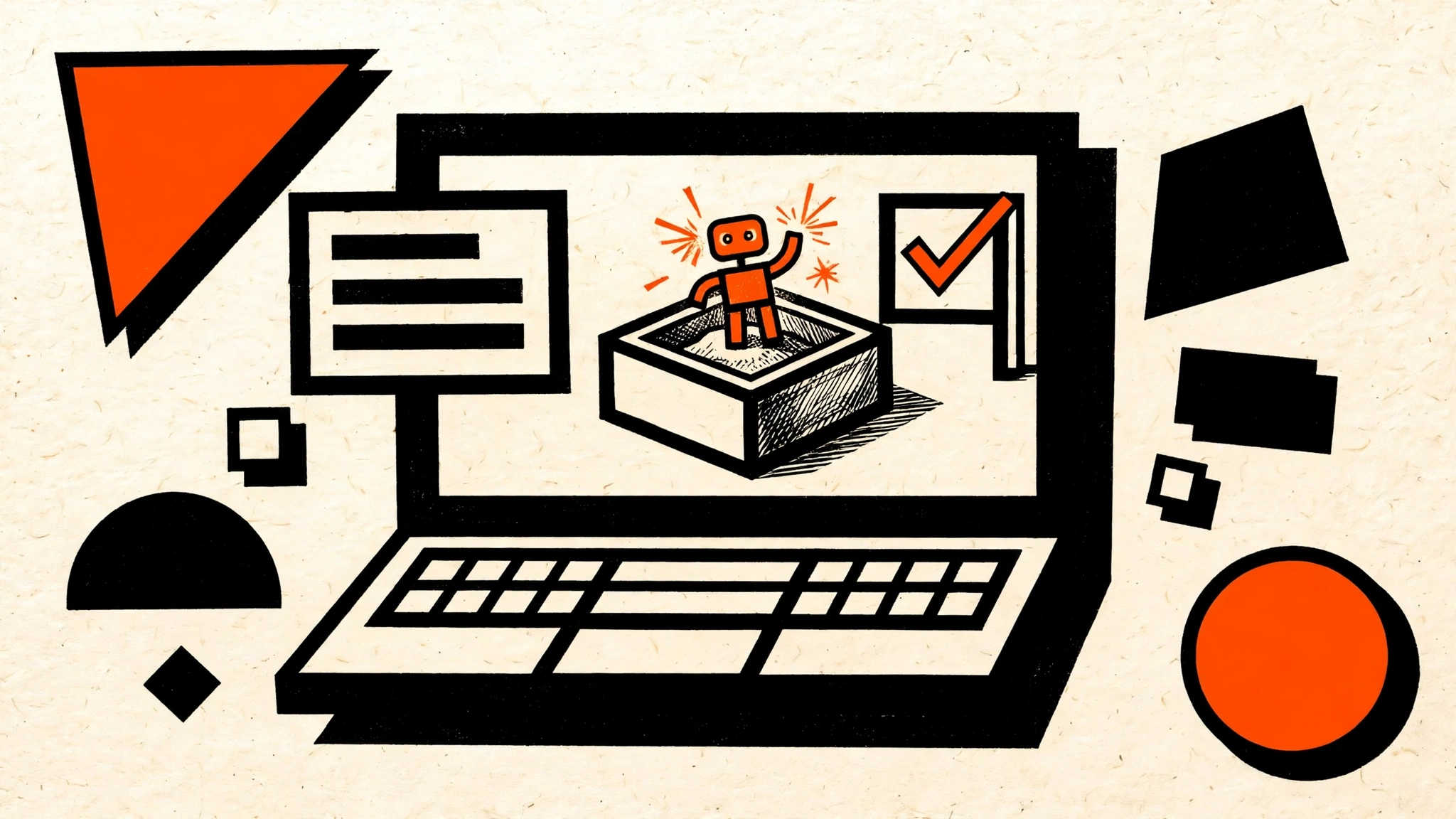
 Fig 1 — Nod’s local sandbox. The agent works inside a private sandbox on your machine, with its own browser; a separate approval check gates every send, pay, post and delete. The numbers are n8n’s own: 98% completion on 226 errands, zero unsafe actions in 678 runs, and a 93.2% LongMemEval score.
The approval check — and why n8n won’t call it a guarantee
Before Nod sends, pays, posts or deletes anything not covered by your request, a separate model-based check asks for confirmation. A web page or an email cannot give it authority — the check is the gate, and it is deliberately a different model from the one doing the work.
The honest part: n8n itself cautions that this check is a model and can make mistakes. It is a safeguard, not a guarantee of correct judgment. That matters more than it sounds, because Nod’s whole pitch is that it acts on real sites with your real accounts. The design compensates in two ways that are worth copying: saved logins and payment cards are encrypted on the machine and entered through private forms the model cannot read, and Nod logs sign-ins, card use, actions in connected apps and model costs — so there is an activity record to audit after the fact.
If you build agents in n8n, this is the pattern from our n8n 2.43 guardrails coverage, taken one step further: the approval is a separate check, not a prompt instruction, and the credentials never enter the model’s context. The same instinct drove Replit’s MicroVM sandbox and DigitalOcean’s approval app — the industry is converging on “the agent can act, but the irreversible part goes through a human-shaped gate.”
Memory that lasts months
Nod keeps months of conversation and records how it completed tasks, reusing those notes and revising them when a site changes. It can learn your writing style from sent Gmail messages, and you can inspect, edit or delete anything it stored. n8n’s repository reports a 93.2% LongMemEval score, up from 79%, using 500 questions about earlier chats answered in a fresh session.
LongMemEval is a benchmark for long-term memory: it tests information extraction, multi-session reasoning, knowledge updates, temporal reasoning, and abstention when information is unknown. The score is about memory, not about how reliably Nod completes a booking or a refund — and n8n’s own framing keeps the two separate. For a fuller picture of how agent memory breaks in practice, see our n8n AI Agent memory guide.
What it costs — the “free” with an asterisk
Nod itself is free. Every task bills your own model provider instead. You can connect any of 30+ providers — OpenAI, Anthropic, Google, OpenRouter, Amazon Bedrock, Google Vertex AI, Azure OpenAI — use a ChatGPT Plus or Pro plan, or connect an open-source model running locally.
The cost controls are the most builder-friendly part of the launch:
- A receipt for every finished task, so you see what each errand cost.
- A monthly spending limit.
- An adjustable check-in once a task passes $5.
- An estimated monthly cost for each schedule.
Those controls exist because the preview supports scheduled and parallel work drawing on your own model account — the bill can grow while you sleep. Early testers have already said tasks cost more than they expected, so set the limit before the first scheduled job, not after.
The numbers, honestly
n8n’s launch page reports three headline figures, all measured with GPT-6.1 Sol in October 2026:
| Claim | What it actually is |
|---|---|
| 98% completion on 226 errands | 226 distinct errands, each attempted 3 times, scored 17 October 2026 |
| Zero actions without permission | 0 unsafe actions across those 678 runs |
| 93.2% LongMemEval | 500 questions about earlier chats, fresh session, up from 79% |
The footnote matters: these are n8n’s own numbers, measured on one model, in synthetic accounts and simulated websites — not live-site proof, and not replicated independently. Treat them as “the demo works on n8n’s test bench,” not as a reliability guarantee for your inbox and your bank account. Day-one reports back that up: one early tester found a Claude Premium plan wouldn’t connect because Nod wanted an API key and credits instead, and another watched a first question on the free Gemini tier take 14 minutes to answer. The announcement itself warns to “expect rough edges and frequent updates.”
Five things to steal for your n8n workflows
You don’t have to install Nod to learn from it. These five design choices port directly into n8n:
- Run the agent in a sandbox, not on your host. Nod’s Linux VM with its own browser is the same isolation idea as Replit’s MicroVMs. In n8n, that means a dedicated execution environment for browser and code steps — never the same machine that holds your credentials store.
- Make approval a separate check, not a prompt. A second model (or a human) reviews the action before anything irreversible happens. Our guardrails release notes show the n8n-side version: an IF/Switch gate plus a human approval step before money moves.
- Give every task a receipt. Nod’s per-task cost receipt plus a monthly cap is a pattern any n8n workflow can copy: log the model cost per execution, and stop the workflow when the cap hits.
- Check in at $5, not at $500. An adjustable spending check-in catches a runaway loop while the damage is small. The same idea works as a Telegram approval message in n8n.
- Keep memory inspectable. Nod lets you read, edit and delete what it remembers. If your n8n agent stores memory in Postgres or Redis, give yourself the same: a way to look at the stored facts and delete the wrong ones.
The rough edges
Nod is a research preview, and it shows in the limits:
- Your laptop has to stay on. The app stops when the laptop sleeps, so scheduled jobs need the machine awake. There is no hosted version yet, and shared team use is listed as future work.
- One owner per install. Each installation currently has a single owner — no multi-user households or teams.
- No phone calls. Nod cannot make calls, so anything that needs a voice conversation stays human.
- Windows is a preview. Windows 11 support is labelled a preview and needs WSL 2; macOS is the smoother path today.
- The approval check can err. n8n says so itself. Don’t treat it as a substitute for a spending cap and an audit log.
- Setup is ~10 minutes, five stages — install, connect a provider, connect apps with single sign-in, save website logins, then issue requests from the app or Telegram — but day-one reports show provider connection can snag, especially on plans that don’t expose an API key.
None of this is a reason to skip it. It is a reason to install it for errands you can afford to watch, not for the one refund you can’t afford to get wrong.
How to try it
- Download Nod for Mac or Windows from nod.n8n.io — the code is at github.com/n8n-io/nod under Apache 2.0.
- Connect an AI provider (or a local open-source model). A ChatGPT Plus or Pro plan works too.
- Connect your apps with single sign-in, and save website logins in the app.
- Set the monthly spending limit and the $5 check-in before the first job.
- Start with a read-only errand — a price check, a research summary — and read the receipt before you hand it anything that spends money.
FAQ
Is Nod a replacement for n8n?
No. Nod is a standalone personal agent for one person’s errands; n8n is a workflow platform for team automation. n8n says development of the core product and the n8n agent continues as planned, and Nod is built by a separate n8n Labs team. If you already use n8n, you can optionally connect an instance so Nod can work with your workflows — but it doesn’t need one.
Do I need an n8n account to use Nod?
No. Nod does not require an n8n account, a server, or a cloud-service setup. You do need to connect an AI provider (or a local model), because the app itself is free but inference is billed by the provider.
Can Nod see my passwords and payment cards?
Saved logins and payment cards are encrypted on your machine and entered through private forms the model cannot read, per n8n. Your database, files, memory and logins stay on the machine; the provider receives only the information needed for each task. App connections pass through a connection service, and information goes to n8n only when usage data is enabled or you submit feedback.
What does the 98% completion figure actually mean?
It is n8n’s own benchmark: 226 distinct errands, each attempted 3 times (678 runs), scored at 98% completion on 17 October 2026 with GPT-6.1 Sol, in synthetic accounts and simulated websites. It was not independently replicated, and it says nothing about live-site reliability. The 93.2% LongMemEval score is a separate memory test, not a task-completion test.
Will Nod work on my machine?
macOS 14 or later on Apple Silicon or Intel, Windows 11 in preview (needs WSL 2), or a personal server. The laptop must stay on for scheduled jobs — the app stops when it sleeps.
Key Takeaways
- Nod is n8n’s personal agent, not another workflow tool — a free, open-source desktop app (Apache 2.0) that runs in a private sandbox on your machine with its own browser.
- The search spike is real and dated — “n8n nod” broke out in Google Trends’ US rising queries for “n8n” the week of the 10 November 2026 launch.
- The approval gate is the design to copy — a separate model-based check before send, pay, post or delete, with credentials kept out of the model’s reach and every action logged.
- The benchmarks are n8n’s own — 98% on 226 errands and zero unsafe actions in 678 runs, all GPT-6.1 Sol on synthetic accounts; day-one testers already hit rough edges.
- Free means free app, not free runs — set the monthly cap and the $5 check-in before the first scheduled job, and start with errands you can afford to watch.
Next: try the five-stage setup this weekend on a read-only errand, and read the receipt it produces — if the cost surprises you, tighten the cap before you schedule anything. The stable n8n 3.x release is expected in early December, and that’s the other launch to watch: our n8n 3.0 legacy-nodes guide covers what changes when it lands.